RawDrop Light
Freeto try it out
To check that everything works with your gear, and for light use.
- Every RawDrop feature
- Up to 5 photos a day (one photo: its RAW and its JPEG)
- Developing with your profiles and presets
- No account, no ads
Wireless photo lab · RAW included
Your photos arrive on your phone over Wi-Fi, RAW files included, with no computer. RawDrop then develops them with your own profiles and presets, offline.
The problem
On many cameras, sending to a smartphone converts RAW files to JPEG. Yet your camera can already send its originals… to a computer. RawDrop presents itself as that computer: you get the files from the card, untouched.
Send to smartphone
RAWJPG
RAW converted to JPEG
Smaller file, settings baked in
RawDrop
RAWJPGRAWJPG
Original RAW + JPEG
Identical to the files on the card
Getting started
Once over USB, no computer needed, then everything goes over Wi-Fi.
Connect the camera to your phone, once, with a cable that fits both (for example USB-C ↔ micro-USB for the α6000): RawDrop registers as its computer.
Turn on your phone’s hotspot on 2.4 GHz, then pick that network once on the camera.
“Send to Computer” on the camera, “Receive” in RawDrop. Only new photos come in.
Developing
Import your .dcp profiles and .xmp presets: RawDrop applies your look to each RAW file, in batches, or automatically as soon as they arrive. Preview every look on your photo before developing.
Profiles and presets not included: bring your own.
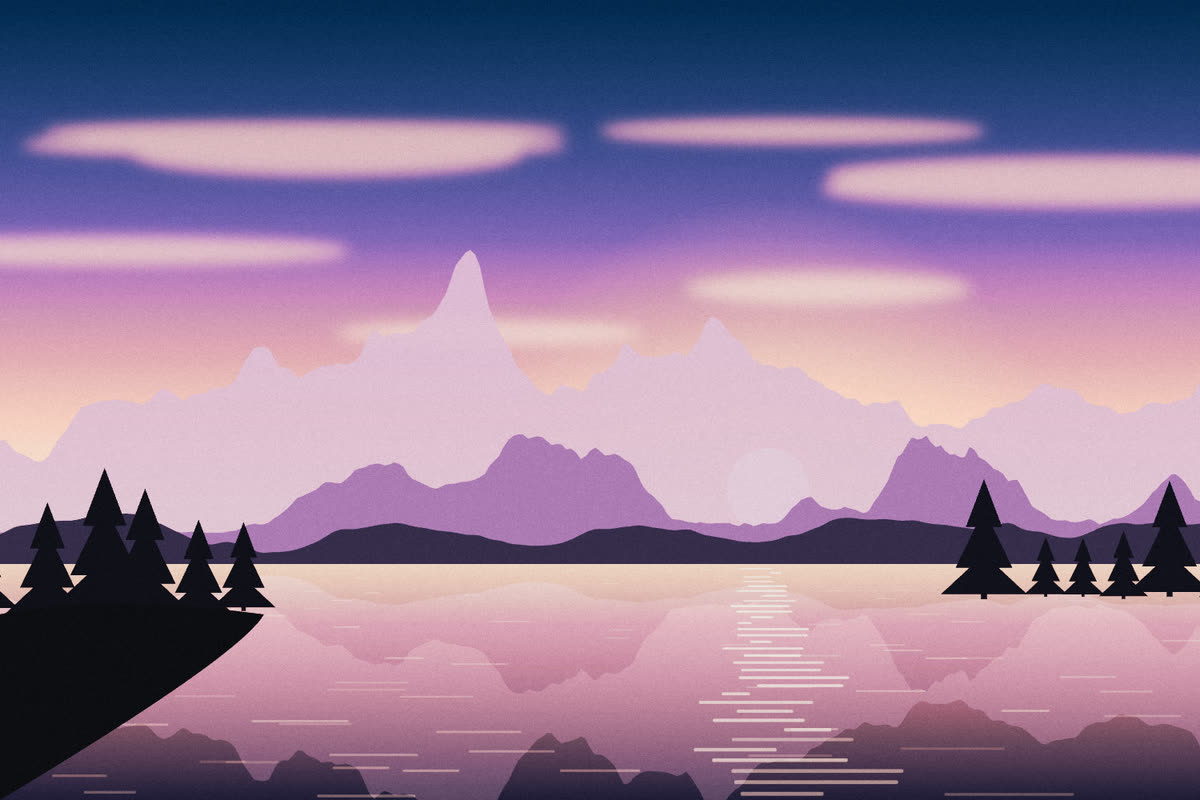
Samples: drawn landscapes, developed by RawDrop’s actual engine.
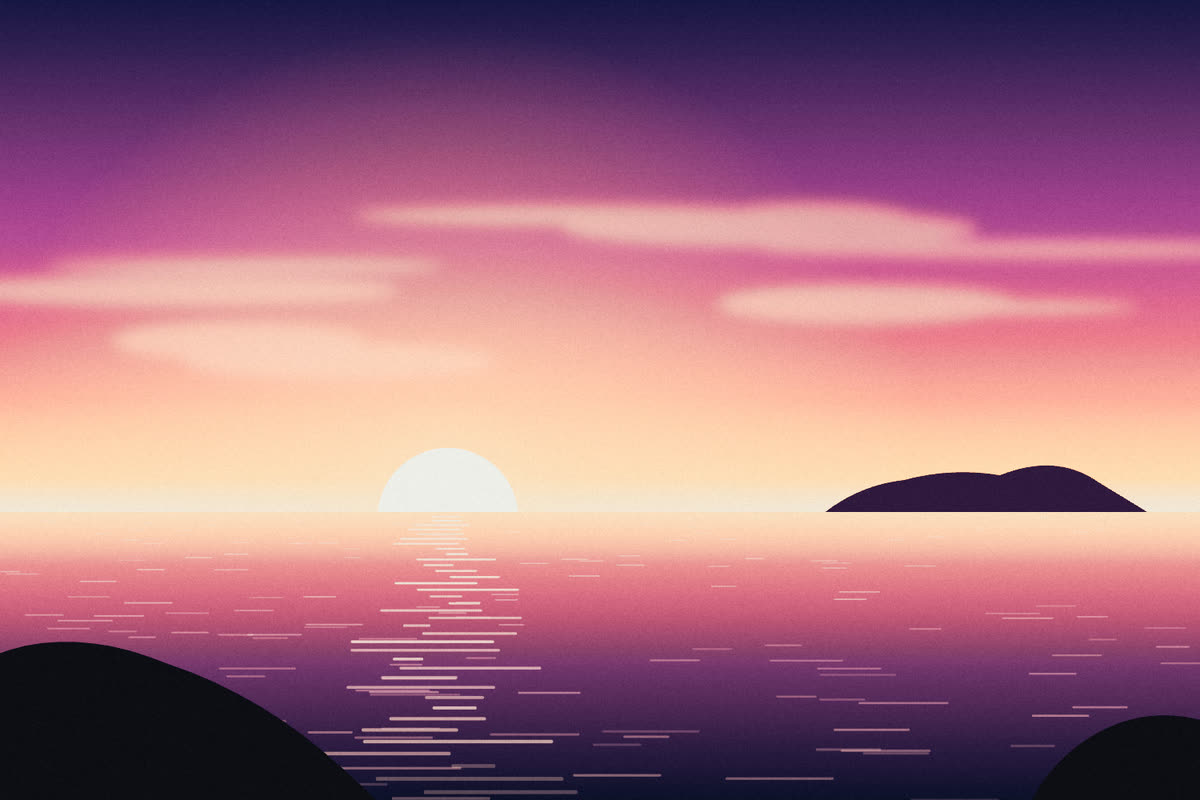

Drag to compare
Every day
RawDrop remembers what it has received: each photo comes in only once.
Lost the connection? Start sending again: receiving picks up where it stopped.
Receiving goes on with the phone in your pocket, with a progress notification.
Before starting: number of files, size, estimated time and available space.
Pick a default look: every RAW file you receive is developed as it arrives.
Developed photos go to your gallery at the quality and size you choose, or are shared directly.
The app
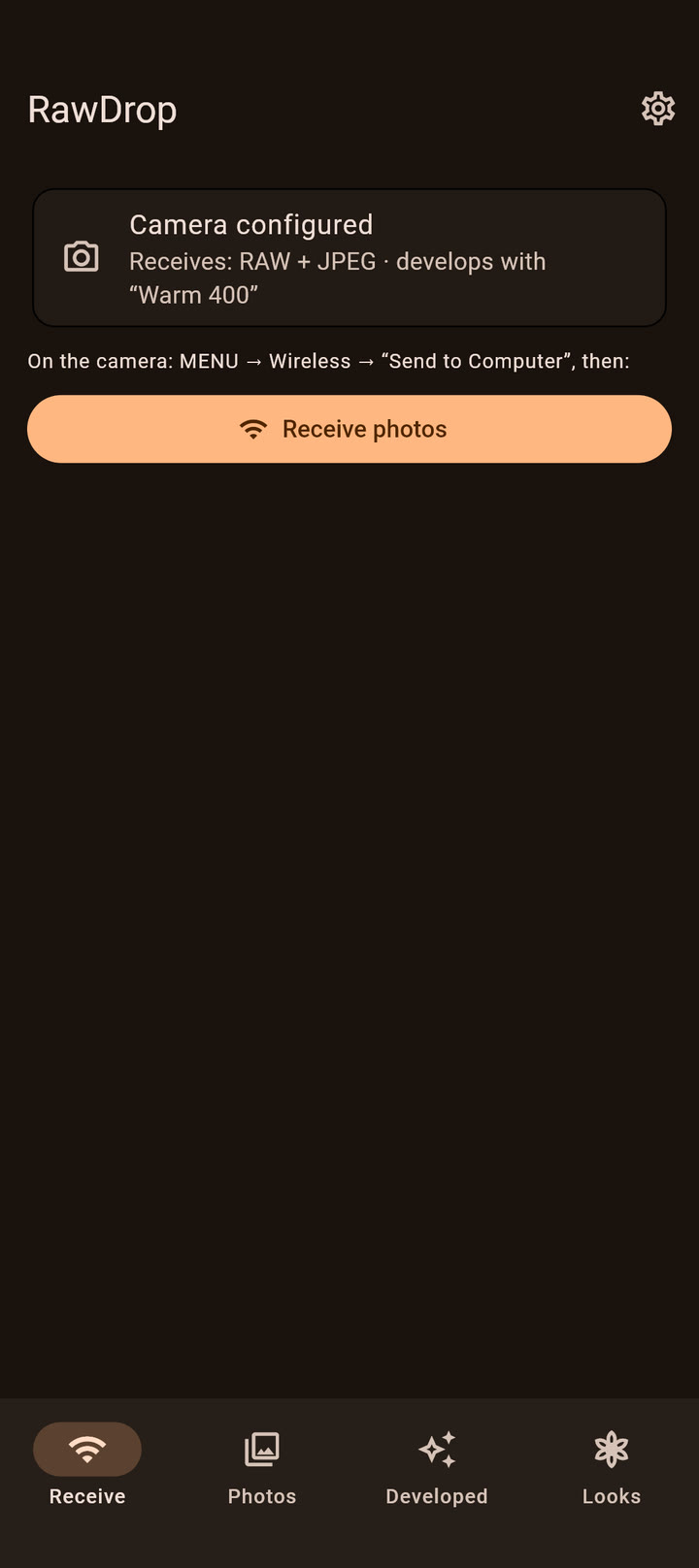
Real screenshots of the app, with sample photos.
Receive
Your camera, the receiving mode, one button.
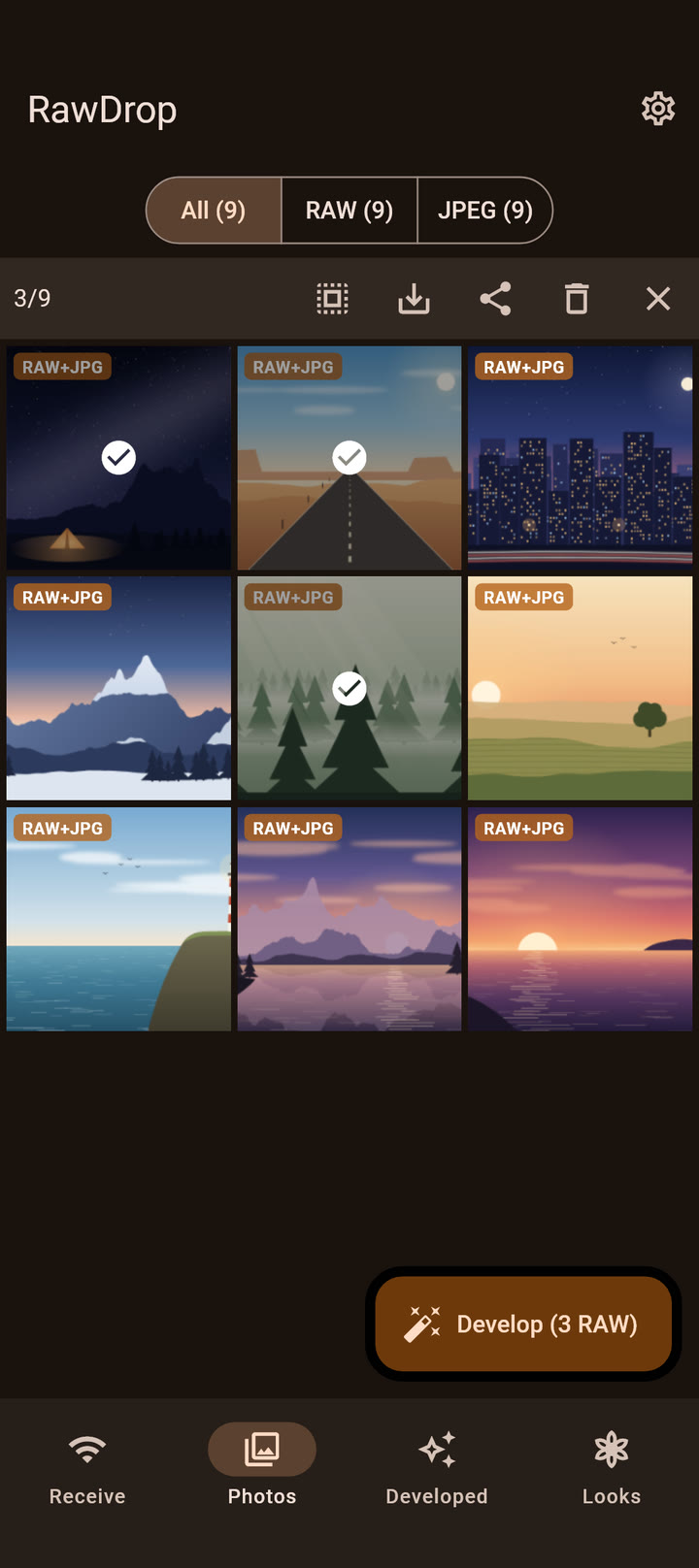
Photos
RAW and JPEG grouped, selection, developing.
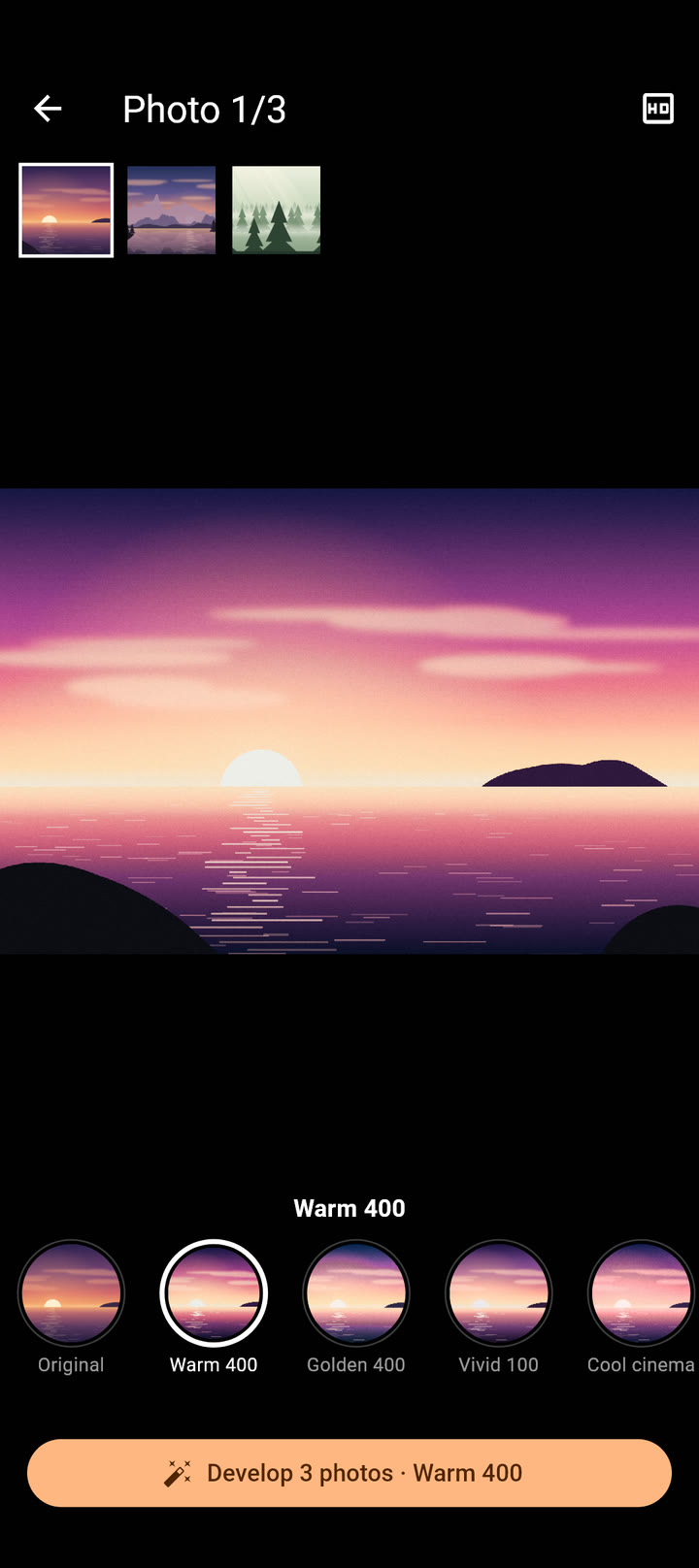
Choosing a look
A preview of every look, on your photo.
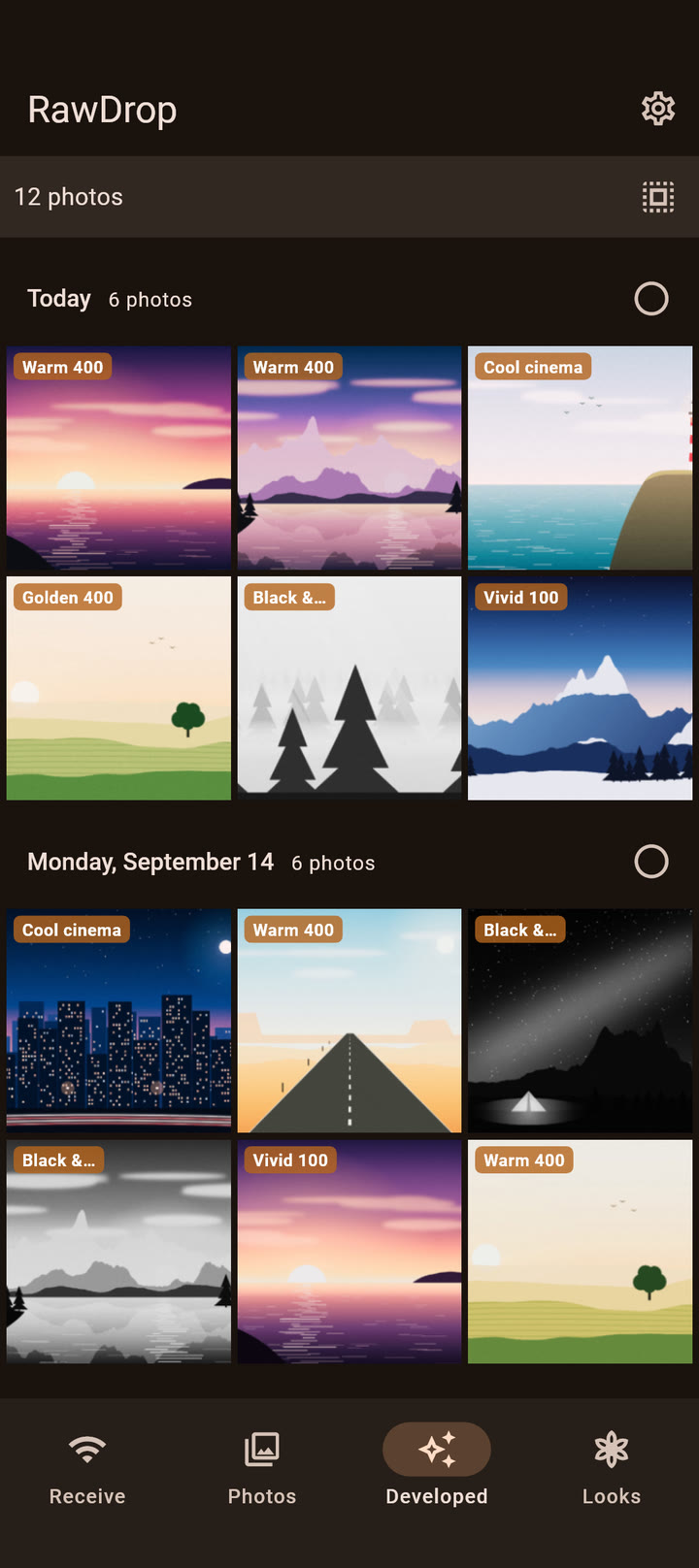
Developed
Sorted by day, with the look used.
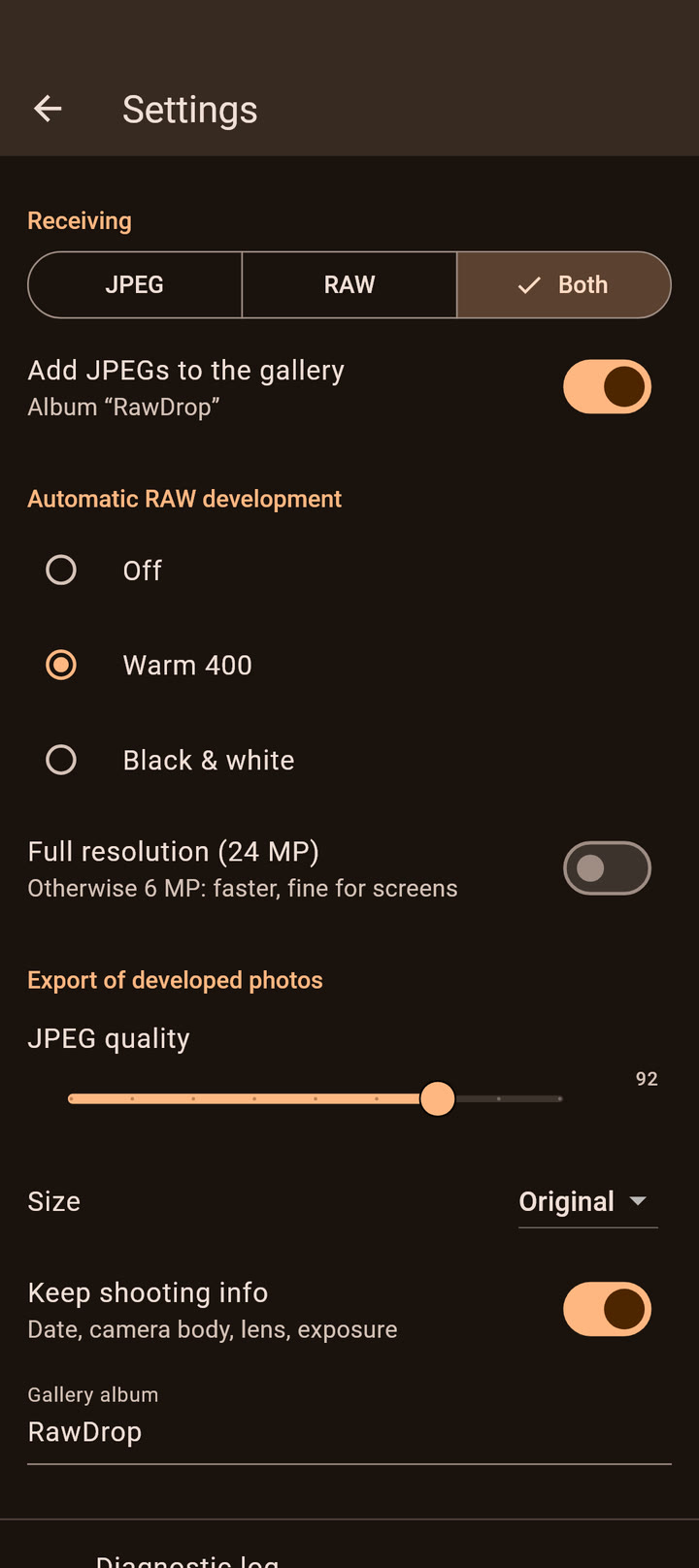
Settings
JPEG, RAW or both, automatic development, export.
Video
How it works, setup, receiving and developing. No sound.
Privacy
No account, no cloud, no data collected. RawDrop works offline, anywhere: your photos never leave your phone unless you share them.
Compatibility
The camera needs its “Send to Computer” feature, usually under MENU → Wireless.
For pairing, you need a USB cable that fits your camera and your phone (for example USB-C ↔ micro-USB for the α6000). You only use it once.
Before buying, try RawDrop Light: free, on your own gear.
RawDrop is an independent app, not affiliated with or endorsed by Sony Group Corporation. Sony and α are trademarks of their respective owners, used only to indicate compatibility.
Pricing
Two versions on Google Play. No subscription, no ads.
Freeto try it out
To check that everything works with your gear, and for light use.
Full version
€4.99one-time purchase, lifetime license
To receive your whole card, without a second thought.
Either way: an Android phone, a camera with “Send to Computer”, and a USB cable that fits both for pairing.
Price including VAT in France. In other countries, the store shows the local price.
FAQ
The camera needs its “Send to Computer” feature, usually under MENU → Wireless. RawDrop is tested with the α6000; the list of compatible cameras shows the models where this feature is confirmed. The easiest way to know: try RawDrop Light, for free.
A USB cable that fits your camera and your phone: for example USB-C ↔ micro-USB for the α6000 and a recent phone. You only need it once, for pairing; after that, everything goes over Wi-Fi.
No. Pairing is done once, by connecting the camera to the phone. A camera registers only one computer at a time: pairing RawDrop replaces the registered computer.
No. RawDrop reads the photos without deleting or changing anything on the card: the RAW files you receive are identical to the ones on the camera. Developing creates new JPEGs, next to the originals.
No, RawDrop includes none: you import your own, from your usual editing software. A look combines a .dcp camera profile (required), a Lightroom / Camera Raw .xmp preset (recommended) and, if you have one, a .cube 3D correction table.
No. Everything goes over the local network between the camera and the phone, usually the phone’s hotspot. RawDrop contacts no server.
Many cameras only see 2.4 GHz networks. In your hotspot settings, choose 2.4 GHz, or “Extend compatibility”, depending on the phone.
About 3 MB/s with the α6000: a 25 MB RAW file arrives in about 8 seconds. RawDrop shows the estimated time before starting.
The same features. RawDrop Light receives up to 5 photos a day: the next ones stay on the camera and arrive the next day. RawDrop has no limit, for €4.99 once. They are two separate apps: when you switch to RawDrop, pair the camera over USB again and re-import your looks.
RawDrop is only available on Android for now.
The diagnostic log (Settings → Diagnostic log) stays on your phone; you can send it to us from the app. It contains no identifiers or network addresses. See the Support page.
No computer, no conversion to JPEG.
Cette page existe aussi en français.
Voir en français